

See all products from Canon
 Dumyah Super
 Super Members earn 2580 points (instead of 1290)
Canon Zoemini 2 NVS Pocket Instant Photo Printer – Snap, Customize, and Print Stickable Photos Anywhere
Dumyah Super
Enjoy fast, free delivery, Double the Points on all products!
Get a 30-day trial of Super for 0.00 JOD
129.00 JOD
Taxes included
Super Members earn 2580 points (instead of 1290)About Product
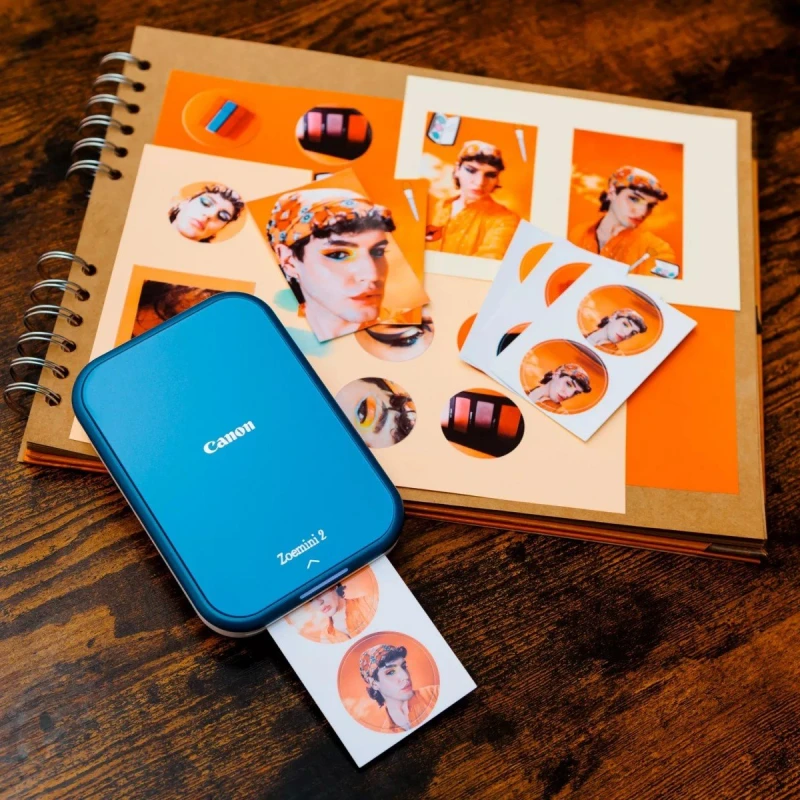
- The Canon Zoemini 2 is the perfect portable accessory for your mobile device, allowing you to snap photos, apply vintage filters, add AR effects, and instantly print them as sticky, peel-and-stick prints.
- Connect seamlessly with the Canon Mini Print app to customize, print, and share your photos anywhere, anytime. Ideal for creating personalized gifts, decorating your space, or sharing memories on the go.
Read full description
Description
- Printer
- Print Technology
- ZINK®
- Print Speed
- Approximately 50 second (Motor Start & Stop, at room temperature 25°C )
- Print Resolution
- 313 x 500 dpi
- Borderless Printing
- YES
- Connectivity
- Bluetooth® 5.0
USB Type-C (Charging) - Automatic Paper Sensor
- YES (for Paper Detection/Paper Cover Detection)
- Battery
- Built-in Rechargeable lithium polymer Battery, 500mAh (0V Charging Support)
- Battery Life
- Average 20 photo papers (TBC)
- Auto-Power Off
- YES (3mins / 5mins / 10mins) (Setting on APP)
- Reset Button
- YES
- Control Panel
- 1. Power Button
- Supported Media Type
- Canon ZINK® Photo Paper, Canon ZINK® Pre-Cut Sticker
- Maximum Paper Size
- 2.0 x 3.0
- Paper Capacity
- Up to 10 sheets of Canon ZINK® photo paper + 1 SmartSheet®
- Body Color
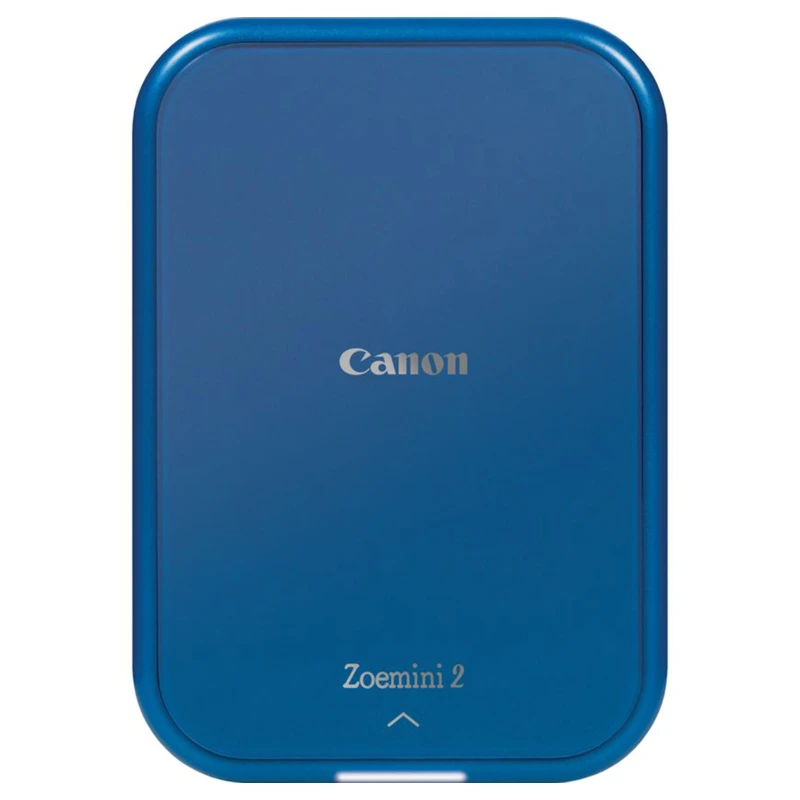
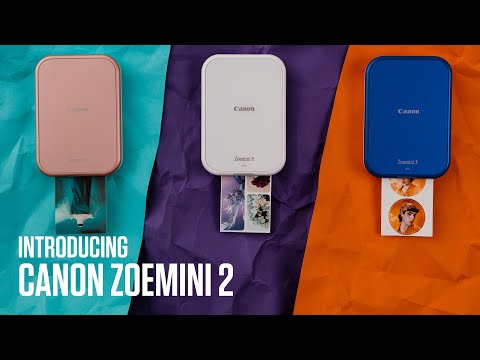
- Rose Gold and White / White and Silver / Navy and White
- Body Size (W x H x D)
- 120 x 84 x 21.5mm
- Weight
- 177g
- Recommend Operating, Charging & Storage Temperature (℃)
- 15 - 32°C (59 - 90°F)
- Recommend Operating Humidity (RH)
- 40-55% RH
- Operating Temperature (℃)
- 5 - 40°C (41 - 104°F)
- Regulatory Model Identification Number
- PP1003A / PP1003B
- Operating Humidity (RH)
- <70%RH
- Indicators
- Bottom LED (Charging)
- Rear LED(Charging)
Red: Charging
Green: Charging Completed
Green flashing: Booting device
Red/Green Looping : Charging Fault - Top LED (Status)
- Front LED (Status)
White On : Device is On and Standby
White Flashing : Booting Device / Standby without Bluetooth connection
White with breathing effect : Preparing Printing / Firmware Updating
Red On : Device is too High Temperture
Red Flashing : Cover Opened / Printer Error / No Paper / Paper Jam
Red/White Looping : Low Battery
Blue Flashing : non-Canon Smartsheet
Cyan On : Device is too Low Temperture
Cyan with breathing effect : Printer Head Cooling
Yellow/Magenta/Cyan/White Looping with breathing effect : Processing Smartsheet /Printer is Printing (Defult Setting) - Zink Photo Paper Information
- Canon ZINK® Photo Paper
- Canon ZINK® Photo Paper (10 sheets per pouch)
2 x 3 photo paper size / Peel-and-sticky back
Canon ZINK® Pre-Cut Sticker (10 sheets per pouch) - (Bundle Set Only)
2 x 3 photo paper size / 1.3 sticker size / Peel-and-sticky back - Storage Environment
- Temperature: 0 - 25°C, Humidity: 40-55% RH
- Accessories
- Case
- Set B:
Printer pouch case x 1 - Compatible Operating Systems & App
- Compatible OS (for Mobile App)
- iOS 12.0 or above & Android 6.0 or above
- Compatible OS (for Computer)
- Canon Mini Print
Product Code: 5452005AA
There are no reviews yet, be the first to share your opinion